
LoC or LC on the applicable Whirlpool front-load washer is a Control Lock reminder, not a fault diagnosis by itself. Find the Control Lock function on the actual panel and use the release action in its owner manual. Releasing the controls does not override a door lock or resolve a separate error.
What the message is responding to
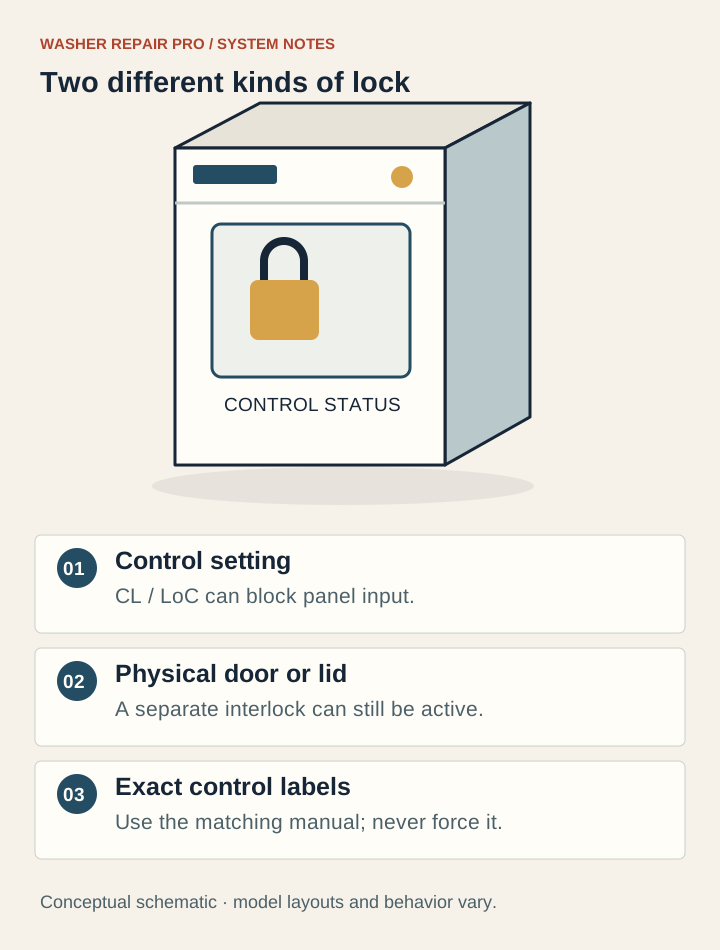
Control Lock prevents unwanted changes to the washer’s controls. A button press can display LoC or LC because the setting is active. The physical door lock has a different job: controlling access during washer operation. Treat panel response and door behavior as separate observations.
Find the Button That Owns the Lock Function
Read the full model number and match its control-panel diagram in the US owner manual. Some washers have a separate Control Lock key. Others put the function on a shared key, such as Extra Rinse or Steam. Whirlpool specifically advises pressing the actual button, rather than the small printed label beneath it.
For models whose instructions specify a three-second hold, keep contact with the correct key for the complete interval. Some panels show a 3–2–1 countdown. Repeated short taps are not the same action. The absence of a countdown is useful to report; it does not by itself prove the control board failed.
Observe What Changes After the Release
Once LoC clears, check whether you can choose a setting before starting a load. If the panel responds normally, the immediate problem was the lock setting. If another message appears, write down that complete message and troubleshoot it separately. Do not treat every later problem as a continuation of Control Lock.
A washer that still will not start needs a fresh observation: does the control accept selections, does Start respond, and is another message visible? Whirlpool’s starting guidance includes door closure, water supply, and a model-dependent Start hold. Use those checks only as the matching manual describes. A still-locked physical door requires its own owner instructions; do not pull harder.
| Panel or Door Behavior | Next Step |
|---|---|
| LoC clears and settings respond | Confirm normal controls before beginning a load. |
| No countdown on a model that should show one | Verify the shared key and manual procedure; report the result. |
| LoC clears but a different code appears | Record and interpret the new code separately. |
| Controls respond but the door remains locked | Follow the model’s door guidance; never bypass the lock. |
If You Already Held Buttons or Unplugged It
Write down which button you held, for how long, and what the display did. A note such as “held Extra Rinse for the documented interval; no countdown” is more useful than “tried everything.” Include any earlier power interruption, but do not keep cycling power while trying unrelated combinations found for other Whirlpool appliances.
If the correct model procedure still leaves the controls unresponsive, contact Whirlpool support with the model and a clear panel photo. Ask support to confirm the proper key before arranging repair. Physically damaged or stuck controls need assessment. LoC alone is not evidence that a console, latch, or control board should be purchased.
Keep the Owner Check at the Control Panel
This guide concerns supported front-load washers displaying LoC or LC. A dryer, oven, dishwasher, commercial machine, or washer with a different display needs its own documentation. Shared brand lettering does not establish a shared key sequence.
Do not pry the console, bypass a door switch, or remove panels to release Control Lock. Stop using the washer for an active leak, burning smell, smoke, or repeated breaker trips. Keep clear of water near electrical connections. Those conditions require attention beyond changing a panel setting.
Questions owners ask
Is LoC a Whirlpool washer error code?
On the front-load models covered by Whirlpool’s LoC/LC guidance, it is a reminder that Control Lock is active. Confirm the appliance and model before applying that meaning to another product.
Where is Control Lock if there is no separate button?
It may share a key with another function. Check the control-panel diagram and small lock labeling, then press the actual key identified in the manual. Whirlpool gives Extra Rinse and Steam as examples, not universal choices.
Why does tapping Control Lock not clear LoC?
Some panels require holding the correct key, commonly for three seconds in Whirlpool’s cited guidance. Use your manual’s procedure and observe any countdown. Short taps may not complete the release action.
Why is the door still locked after LoC disappears?
Control Lock and the physical door lock serve different functions. Clearing the panel setting does not override operating conditions that keep the door locked. Follow the model’s door instructions and never force it open.
What if the correct Control Lock key does nothing?
Confirm the complete model and key location, then record whether the expected countdown or display change occurs. If the documented release fails, contact support with a panel photo rather than opening the console or buying a board.
Keep the useful details for service
Record the full model, exact display, cycle stage, water location and checks already attempted. Create a repair brief to copy or download. If several symptoms overlap, use the Washer Repair Check without guessing a component.
Related next steps
Sources & model scope
Content reviewed November 5, 2026. Match the exact model and US owner’s manual. These references support the explanation; they are not evidence of an inspection of your machine.